
A certificate for everyone on your list, in one click.
Certificate Maker is a Google Sheets add-on that turns your list of names into beautiful, personalized PDF certificates. It saves them to Drive and emails each person theirs, and you never leave your sheet.
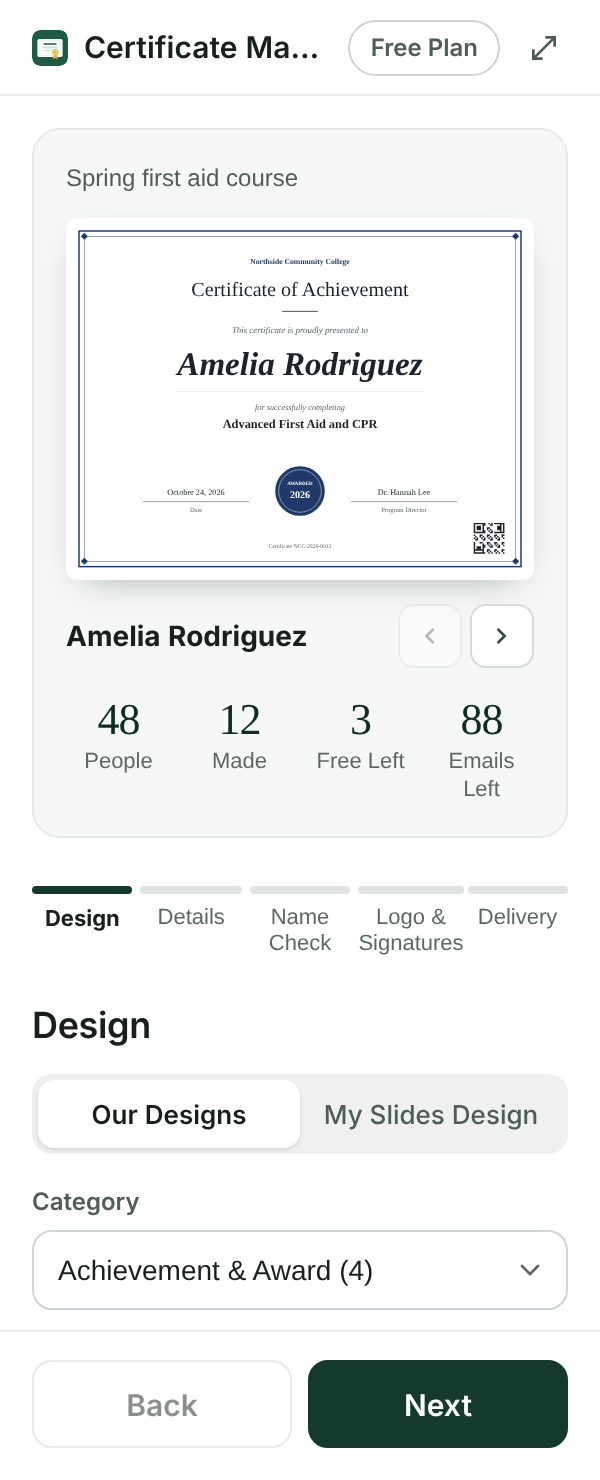
Five steps
Open it from Extensions in any Google Sheet, including a sheet of Google Form responses.
- 1
Pick a design
51 designs in 12 kinds, five colors, US Letter or A4. Or bring your own Google Slides design with placeholders like {{Name}}.
- 2
Match your columns
Name, course and date are found for you. Type anything that's the same for everyone (organization, signer) just once.
- 3
Check the names
Name Check finds long, empty, repeated and oddly capitalized names and fixes them in your sheet when you approve.
- 4
Add logos and signatures
Optional. Upload a logo, and up to three signatures drawn or uploaded.
- 5
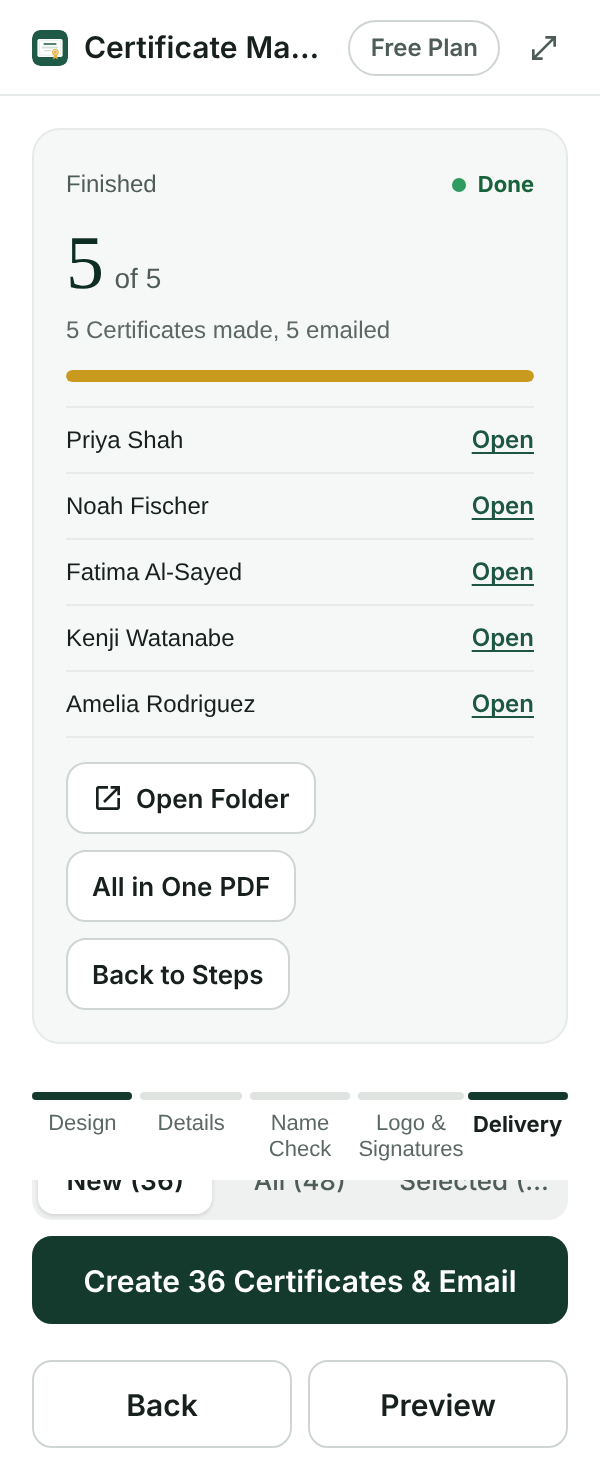
Make and send
Choose email, a QR code and file names, then watch every certificate go out. Each one is saved to Drive, and the link, number and status are written back to your sheet.
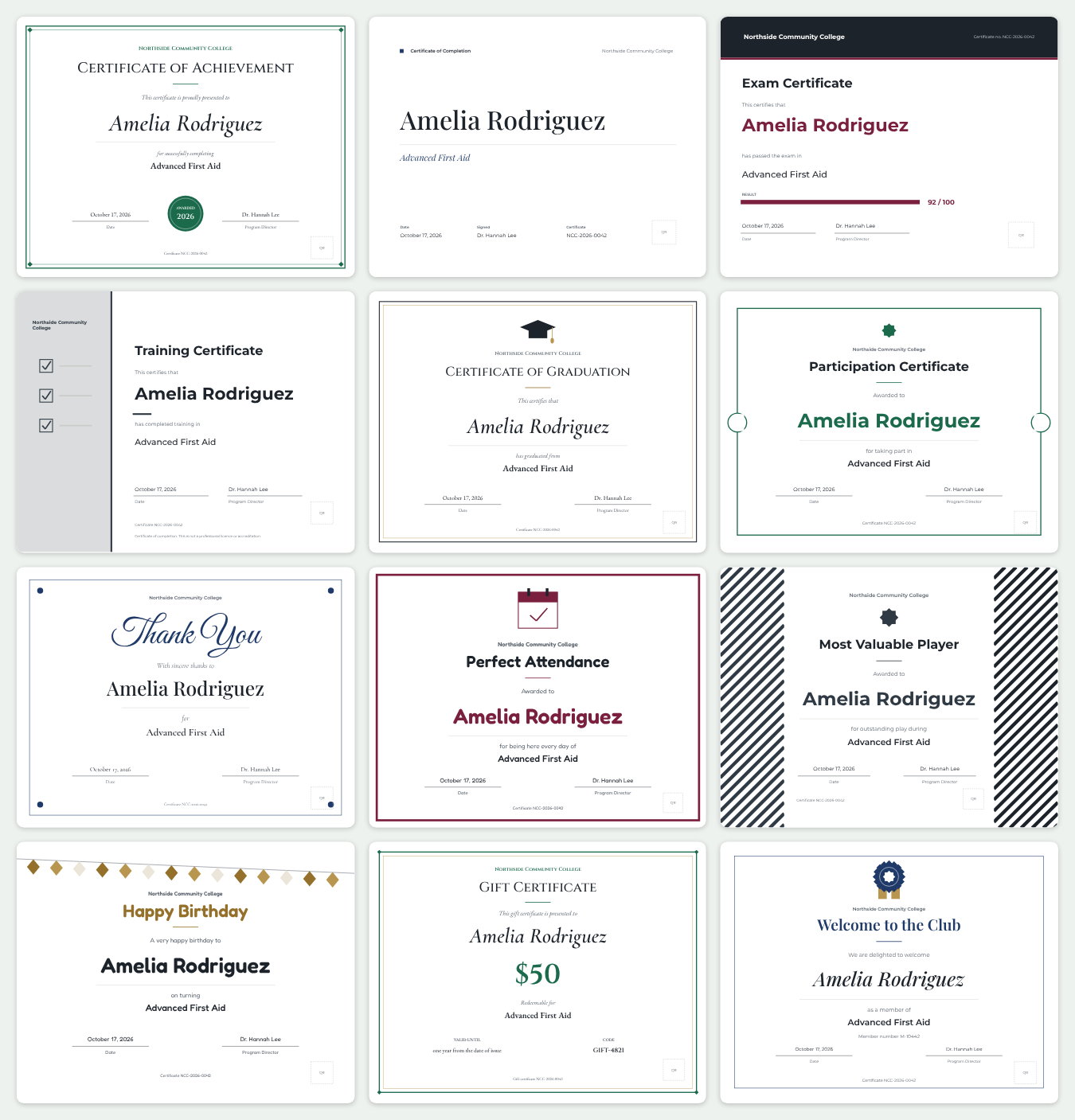
51 designs that look properly made
Awards, courses, quizzes, graduation, sports, gift vouchers and more. Each one opens as a normal Google Slides file, so you can change fonts, add your logo or move things around.
Small things that save you an evening
- A preview with real namesFlip through your people and see each certificate before anything is sent, then get an exact preview from Slides.
- Long names fitNames like Bartholomew Montgomery-Fitzwilliam shrink to fit the line instead of spilling off the page.
- A QR code anyone can checkScanning it opens the original PDF in your Drive, so employers and parents can see it's real. Every certificate also gets a number, like NCC-2026-0042.
- Quizzes: only people who passLink a Google Forms quiz, set a pass mark, and each passing response gets its certificate within a minute.
- No stuck runsGmail limits how many emails you can send a day. When a run needs more, the rest go out later by themselves.
- Print them all at onceOne PDF with every certificate, plus optional PNG copies people can post on LinkedIn.
How it compares
Prices from each add-on's listing or pricing page, October 2026.
| Certificate Maker | Certify'em | |
|---|---|---|
| Price | $39.99 a year, or $79.99 once | $79.99 to $129.99 a year |
| Watermark on the free plan | Never | Yes |
| QR verification | Every plan | Top plan only |
| Your own email message | Every plan | Top plan only |
| Live preview with real names | Yes | No |
Pricing
Every design and feature on every plan. Upgrade from inside the add-on when you need more.
Free
5 certificates a month, with no watermark.
Pro yearly
Unlimited certificates. Cancel anytime.
Pro lifetime
Unlimited certificates. One payment.
Payments are processed by Lemon Squeezy, our reseller and merchant of record. Your license key arrives by email.
Not happy? Email us within 7 days of purchase for a full refund.
Your list stays in your Google account
Certificate Maker reads only the spreadsheet you open it in and the Slides design you choose, and saves only the files it creates. Emails go from your own Gmail. We don't run a server that receives your data.
Read the Certificate Maker privacy policy and the terms of service